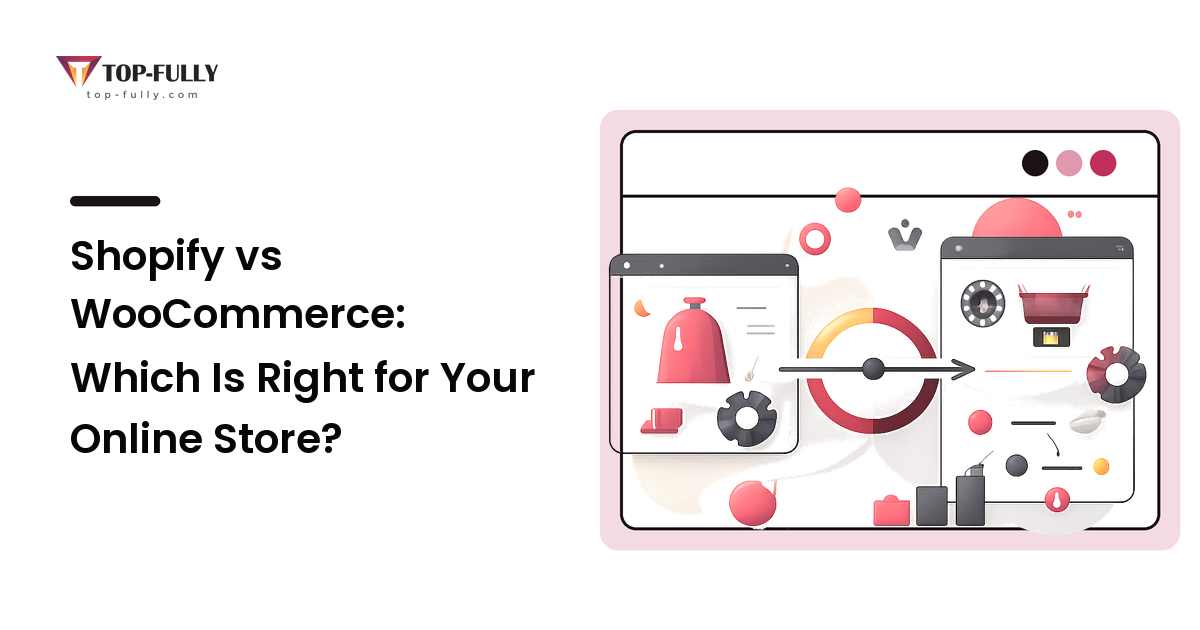
If you want the short version: Shopify is the right default for most people who just want to sell, and WooCommerce earns its place when you need control and ownership badly enough to take on the upkeep that comes with them. Shopify hands you a working, maintained store for a predictable monthly fee. WooCommerce hands you near-total freedom — and the responsibility that comes with it. Neither is "better" in the abstract; the right choice depends on who will run the store, how custom it needs to be, and how much technical weight you're willing to carry.
The core difference in one sentence
Shopify is hosted software you rent; WooCommerce is free software you host yourself. Everything else follows from that.
With Shopify you pay a monthly subscription and the company runs everything behind the scenes — hosting, security, updates, payment compliance. You log in, configure, and sell. With WooCommerce you install a free plugin onto a WordPress site you own and host: the store is entirely yours, and so is every responsibility Shopify would otherwise handle. Rent versus own is the whole comparison in miniature.
Cost: what you actually pay
The pricing looks lopsided until you count everything.
Shopify charges a straightforward monthly subscription across a few tiers, with the price rising as you unlock lower fees and more features. It's predictable — you know your platform cost before you sell a thing, and hosting, security, and updates are included. (Plans and prices change, so check Shopify's current pricing rather than any figure in an article.)
WooCommerce is free to install, and that's where people misjudge the cost. The plugin costs nothing, but a real store still needs hosting, a domain, an SSL certificate, often several premium extensions (shipping rules, subscriptions, bookings), and your time or a developer's to keep it running. Add those up and WooCommerce can land cheaper than Shopify for a lean, well-managed store — or pricier, once premium plugins and managed hosting stack up. "Free" describes the plugin, not the store.
Compare total cost over a couple of years, including your own time: Shopify trades a higher, predictable fee for near-zero maintenance; WooCommerce trades a lower baseline for effort you absorb yourself.
Ease of use and maintenance: who does the technical work
This is the factor that decides it for most small businesses, and it's the one people underweight.
Shopify is built for non-technical owners. You can go from sign-up to a live, professional store in a day or two without touching code, and once you launch, the platform keeps itself patched, secure, and online. When something breaks, there's 24/7 support to call. The trade-off is that you work inside Shopify's guardrails.
WooCommerce asks more of you. WordPress, the plugin, a theme, and extensions are more moving parts, and each needs updating, testing, and backing up. Security, uptime, and plugin compatibility are yours to manage — directly or by paying someone. That's not a flaw; it's the price of an open system. But if nobody on your team knows WordPress and you have no developer on call, that burden is easy to underestimate.
Ask one blunt question: after launch, who keeps this store running? If the honest answer is "no one technical," that points hard at Shopify.
Control, ownership, and flexibility
Here the advantage flips to WooCommerce.
Because it's open source and self-hosted, you can change almost anything — the checkout flow, how products are structured, any integration you can build or buy. You own your data and code outright and aren't locked into one company's roadmap or pricing. For a store with unusual requirements, that freedom is the whole point.
Shopify gives you plenty of flexibility through its large app store and themes, but always within limits it sets. Some things simply aren't changeable, and you're building on a platform you rent. For most standard stores those limits never bite; for a genuinely custom operation, they will.
Scale, performance, and hosting
Shopify scales without you thinking about it. Traffic spikes, security, and infrastructure are the platform's job, and it handles high-volume stores smoothly because that's what you're paying for. You don't tune servers or fear a launch-day rush.
WooCommerce scales as far as your hosting and technical care take it — potentially very far, but only if the foundation is sound. On cheap shared hosting it will crawl under load; on properly configured managed hosting it can be fast and resilient. Performance is squarely in your hands: powerful if you have the skills, a liability if you don't. If you go this route, the hosting, caching, and platform decisions underneath matter enormously — our web development guide walks through exactly those choices, because that's where most self-hosted stores are won or lost.
Payments and transaction fees
Shopify has built-in payment processing (Shopify Payments); use it and you pay only the standard card rate. Use a third-party gateway instead and Shopify adds an extra transaction fee — smaller on higher plans, but never zero on the entry tier. This matters most outside its supported countries: Shopify Payments isn't available everywhere, so merchants in some regions — parts of the Middle East and North Africa among them — must use an external gateway and pay that surcharge on every order. Factor it in before comparing monthly prices.
WooCommerce charges no platform transaction fee at all. You connect whatever gateway you like and pay only that gateway's processing rate — nothing extra to WooCommerce. For high-volume stores, or merchants who can't access a platform's native payments, that difference adds up.
Side-by-side, and how to choose
| Factor | Shopify | WooCommerce |
|---|---|---|
| Model | Hosted SaaS — you rent | Self-hosted WordPress plugin — you own |
| Cost shape | Predictable monthly subscription | Free plugin + hosting, extensions, upkeep |
| Setup | Fast, non-technical | Steeper, more moving parts |
| Maintenance | Handled for you | Your responsibility |
| Control & flexibility | Generous, within guardrails | Near-total, down to the code |
| Transaction fees | Extra fee unless you use Shopify Payments | None from the platform |
| Scaling | Platform handles it | As far as your hosting and skills go |
| Best for | Speed, simplicity, hands-off selling | Control, ownership, content-heavy stores |
The ordering above isn't a verdict — it's a map.
Choose Shopify if you want to launch quickly, you're non-technical or have no developer support, you value predictable costs, and Shopify Payments works where you operate. The reason: it removes the technical burden entirely, and for most people that convenience is worth the fee.
Choose WooCommerce if you're already on WordPress, content and SEO drive your growth, you need deep customization or a specific integration, or you want to own your stack and avoid lock-in — and you have someone to maintain it. The reason: you're buying control and ownership, and paying for them in responsibility.
A six-question decision checklist
- After launch, who maintains the store? No one technical → Shopify.
- Is Shopify Payments available in your country — or will you pay an extra fee on every sale? If unavailable, weigh WooCommerce's zero platform fee.
- Do you need a specific integration or deep customization a platform might block? That leans WooCommerce.
- How central is content, blogging, and SEO to your growth plan? Heavily → WordPress/WooCommerce plays to its strength.
- Do you want predictable costs or the lowest possible platform cost? Predictable → Shopify; lowest baseline → WooCommerce, if you'll manage it.
- How fast do you need to launch? In days, hands-off → Shopify.
Frequently asked questions
Is WooCommerce really free?
The plugin is, but a working store isn't. You'll still pay for hosting, a domain, and usually a few premium extensions, plus the time or developer cost to maintain it. Depending on those choices, WooCommerce can end up cheaper or pricier than Shopify — "free" refers only to the software, not the store.
Which is better for SEO, Shopify or WooCommerce?
Both can rank perfectly well; the platform isn't the deciding SEO factor. WooCommerce, sitting on WordPress, gives you more control over content and technical details, which suits content-heavy stores. Shopify is solid out of the box with a few structural constraints. Your content, site speed, and product pages move rankings far more than the choice between these two.
Can I switch from Shopify to WooCommerce later, or the other way?
Yes, but treat it as a real project, not a toggle. Product, customer, and order data can be migrated, but your theme, apps, and custom work have to be rebuilt on the new platform. It's very doable — it's just work, which is a good reason to choose deliberately the first time.
Does Shopify really charge extra transaction fees?
Only if you don't use Shopify Payments. Use its built-in processing and you pay just the standard card rate; use an outside gateway and Shopify adds a surcharge per sale that shrinks on higher plans. Since Shopify Payments isn't available in every country, merchants in some regions can't avoid that surcharge — worth checking before you commit.
I'm not technical — which should I pick?
Shopify, in almost every case. It's designed for owners who don't want to touch code or manage servers, and it keeps itself updated and secure. Choose WooCommerce without technical support and the maintenance burden tends to land on you at the worst possible moment.
The bottom line
Shopify and WooCommerce answer the same question with opposite philosophies: pay for convenience, or invest effort for control. Shopify is the sound default for owners who'd rather sell than become part-time system administrators; WooCommerce rewards those who need real control and can support it technically. Decide by who will run the store, how custom it must be, and what you're willing to maintain.
Write down your top three must-haves — your budget ceiling, who maintains the store, and the one feature you can't launch without — then match them to the platform that fits. When you'd rather have that call made honestly and the store built right the first time, Top Fully plans, builds, and launches online stores on both platforms end to end.